A Practical Guide to Getting Approved for GitHub Education on the First Try
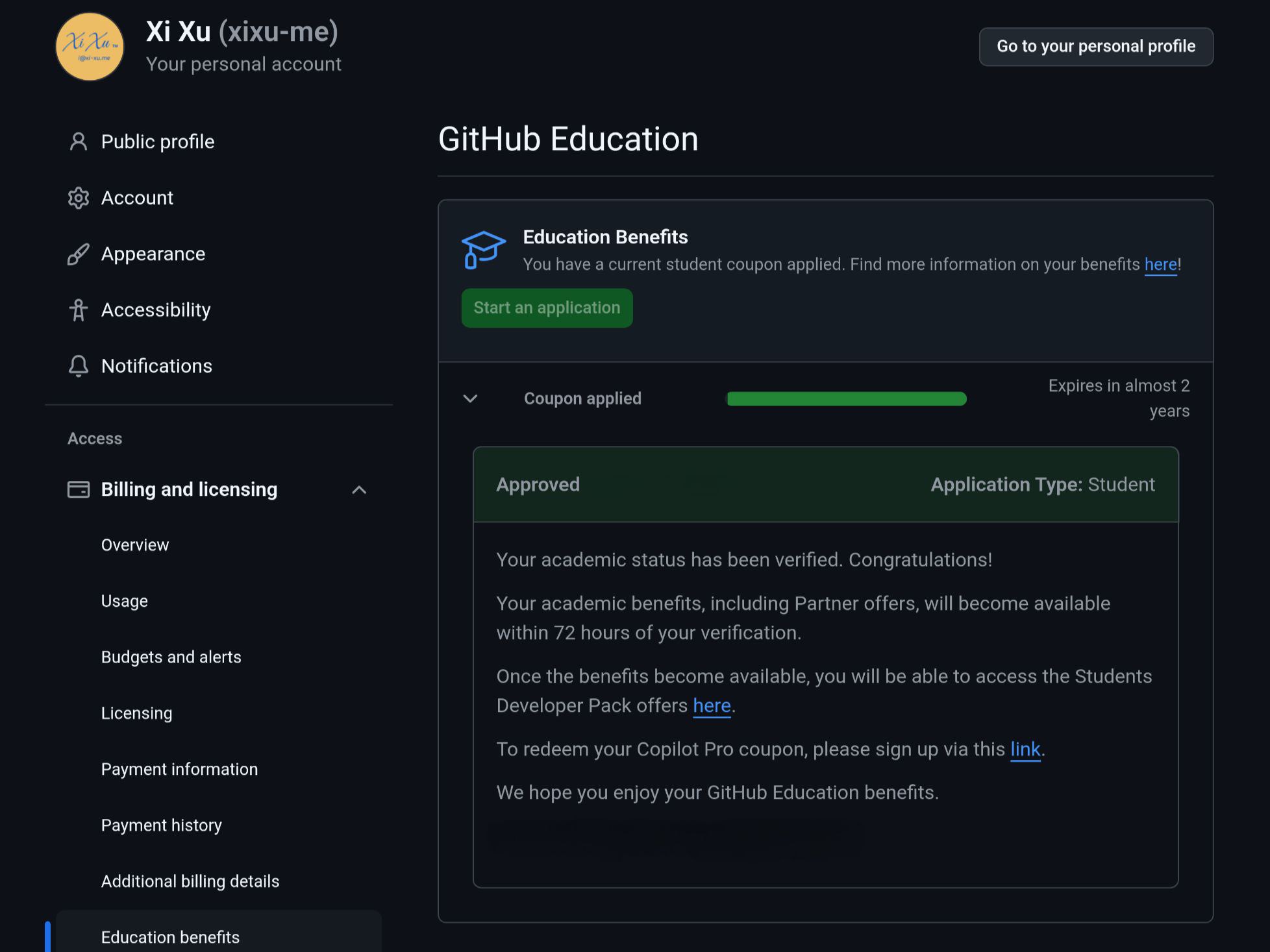
GitHub Education offers a generous set of benefits for students. Following the steps below can significantly improve your chances of getting approved on your first submission.
1. Core Eligibility Requirements
- You must be a currently enrolled student in a degree- or diploma-granting program, such as high school, college, university, or an official homeschooling program.
- You need a verifiable school email address and supporting documentation that clearly proves your student status.
- You need a personal GitHub account.
- You must be at least 13 years old.
2. What to Prepare Before Applying
2.1 Make sure your network and location are suitable
- Disable proxies: Turn off any system proxy, VPN, or similar tool during the application process.
- Enable location access: Make sure your device allows GitHub to access your location.
- Geographic location: It is strongly recommended to apply while you are physically on campus or near campus. If that is not possible, some applicants choose to use a virtual location tool to place themselves at the school.
- Network connection: If possible, connect to the campus network when you apply.
2.2 Set up your GitHub account properly
- Create or sign in to your GitHub account.
- Fill in your real name:
- Go to your profile settings.
- Change the
Namefield to your real legal name exactly as it appears on your school enrollment record. If the original document is in Chinese, use the original Chinese name rather than translating it.
- Add and verify your school email address:
- Go to email settings.
- Add the school-issued email address and complete verification.
- Complete your payment information:
- Go to payment information.
First name: enter your family name. If it is a single Chinese character, add a trailing space.Last name: enter your given name. If it is a single Chinese character, add a trailing space.Address: enter your school’s official name in its original language, matching your enrollment proof exactly.- Fill in the remaining fields truthfully in English.
- Enable two-factor authentication:
- GitHub requires two-factor authentication for this application.
2.3 Prepare proof of enrollment
- Best option: a screenshot of your enrollment record from CHSI.
- Sign in to CHSI archive.
- Make sure the page shows your name, school name, student ID, enrollment date, expected graduation date, and other key details.
- Your screenshot should be complete and clear. Do not crop, censor, or edit the information.
3. Start the Application
3.1 Open the GitHub Education page
Go to GitHub Education.
3.2 Begin the application
Click the Start an application button.
3.3 Fill out the form
- School selection:
- GitHub may suggest a school based on your school email or IP address.
- If the dropdown does not show the English name of your school, or if the match is inaccurate, type your school’s full official name in its original language directly into the input box so it matches your enrollment proof exactly.
- Proof type:
- If you are uploading a document, choose
Dated school ID.
- If you are uploading a document, choose
- Upload your supporting document:
- Upload the screenshot of your enrollment record that you prepared earlier. Double-check that the uploaded image is complete and readable.
3.4 Submit the application
Review everything carefully, then click Submit application.
Closing Thoughts
- Keep all information consistent: Your GitHub profile name, billing information, and school name should match the name and school on the uploaded proof exactly, especially if the original document is not in English.
- Network and location matter: Turn off proxies, enable location access, and, if possible, apply from on or near campus while using the campus network.
- Your proof must be clear: Any document you upload must be legible, complete, and include all required information.
- Try mobile if desktop fails: If you run into unexplained issues on a computer, try submitting from a phone.
- Be patient after submission: GitHub review usually completes within about 3 days, and sometimes faster. Watch your email inbox, including spam.
With the preparation above, your application should go much more smoothly, and you will have a much better chance of unlocking GitHub Education benefits on the first try. Good luck!